AgentPortal
A mission control for your parallel AI agents — that tells you, out loud, when they're done.
Arrange your Claude Code sessions in a grid and work inside each tile directly. Completions and permission prompts are announced out loud, so you don't have to keep switching over to check.
$9.99 one-time purchase · start your trial with no credit card required
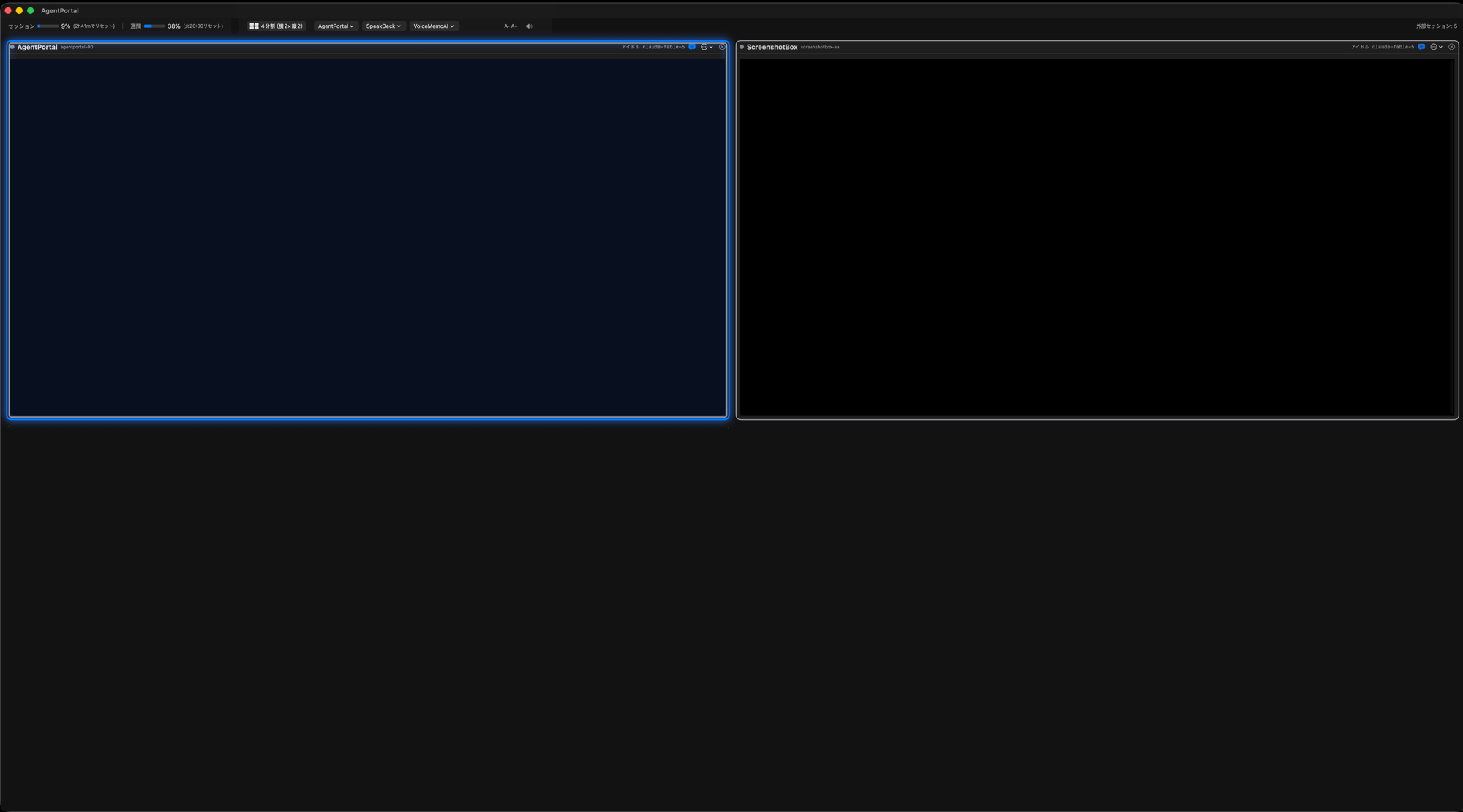
Product screenshot (some tiles are reconstructed for illustration)
The problem
Running AI agents in parallel means more checking in, not less
Switching between tabs and windows to ask "is it done yet?" or "did it stall?" ends up being more tiring than the parallel work itself. AgentPortal arranges all of your terminals in a single grid on one screen, and announces the moment a status changes — so you never have to go looking.
Key features
A real terminal grid, paired with voice notifications
Voice alerts when a task finishes or needs you
The moment a tile finishes its task, or is stuck waiting for your approval, AgentPortal speaks up. You won't miss progress just because you looked away.
Character voices (VOICEVOX, such as Zundamon) are available in the Japanese locale only.
Status you can read at a glance
Each tile's border color tells you the session's state. You can spot which tile needs attention right now without reading a single line of output.
A real, operable terminal grid
Pick from nine layouts, from a single full-screen terminal up to a 9-way split, depending on how many sessions you're running. Every tile is a genuine terminal you can type into — not a read-only mirror of one.
Spoken summaries of each response
When an AI agent finishes responding, AgentPortal reads its key takeaway out loud. Even as the number of tiles grows, you don't have to keep your eyes on every single screen.
Plan usage gauge
Session usage, weekly usage, and your next reset time stay visible at the top of the screen at all times — so you don't burn through your limit without noticing.
Pin your projects
Pin the projects you use most and launch them with a single click — no typing cd
or claude by hand. Choose "new session" or "resume where you left off" at launch,
and pick up your previous conversation right where it stopped.
Requirements
What you need
- macOS 26 or later (Apple Silicon)
- Claude CodeInstalled and licensed separately — not included with AgentPortal
- VOICEVOX (optional, Japanese locale only)If it isn't installed, or if you're outside the Japanese locale, AgentPortal announces with the macOS system voice
Pricing
One-time purchase. No subscription.
Try every feature free for 14 days before you buy.
When your trial ends, nothing you've already built breaks. Only starting brand-new terminals is restricted.
Payment is processed by Gumroad, an international payment provider (card payments, with receipts).
FAQ
Frequently asked questions
What happens to my work when the trial ends?
Nothing you've already built breaks. Once the trial ends, the only thing that's restricted is opening brand-new terminals — every session you already have open keeps working as before.
Do I need VOICEVOX to use AgentPortal?
No, it's entirely optional. If VOICEVOX isn't installed and running, AgentPortal automatically falls back to the macOS system voice. (VOICEVOX and its character voices are a Japanese-locale feature.)
Can I get a refund?
You can fully evaluate AgentPortal during the 14-day free trial before buying, so we don't offer refunds for buyer's remorse after purchase (except where required by applicable law). If you believe you're entitled to a refund, please contact us using the address below.
Is any of my data sent anywhere?
The contents of your code or files are never sent externally. The only network activity is with the local VOICEVOX engine (on the same Mac) and, after purchase, license verification through Gumroad. See the Privacy Policy for details.
How do I uninstall it?
Open AgentPortal's settings (⌘,) → the “Integrations” tab and remove everything you installed (the statusLine and Stop hooks), then — if you added the “【音声】” convention block to CLAUDE.md during onboarding — remove that from the same screen too, and finally drag AgentPortal.app to the Trash. The backups this creates along the way (files named .agentportal-backup-… inside ~/.claude) are left in place on purpose, and your license key stays in the macOS Keychain, so you won't need to re-enter it if you reinstall later (delete it manually from Keychain Access if you'd rather not keep it). See the Privacy Policy for details.